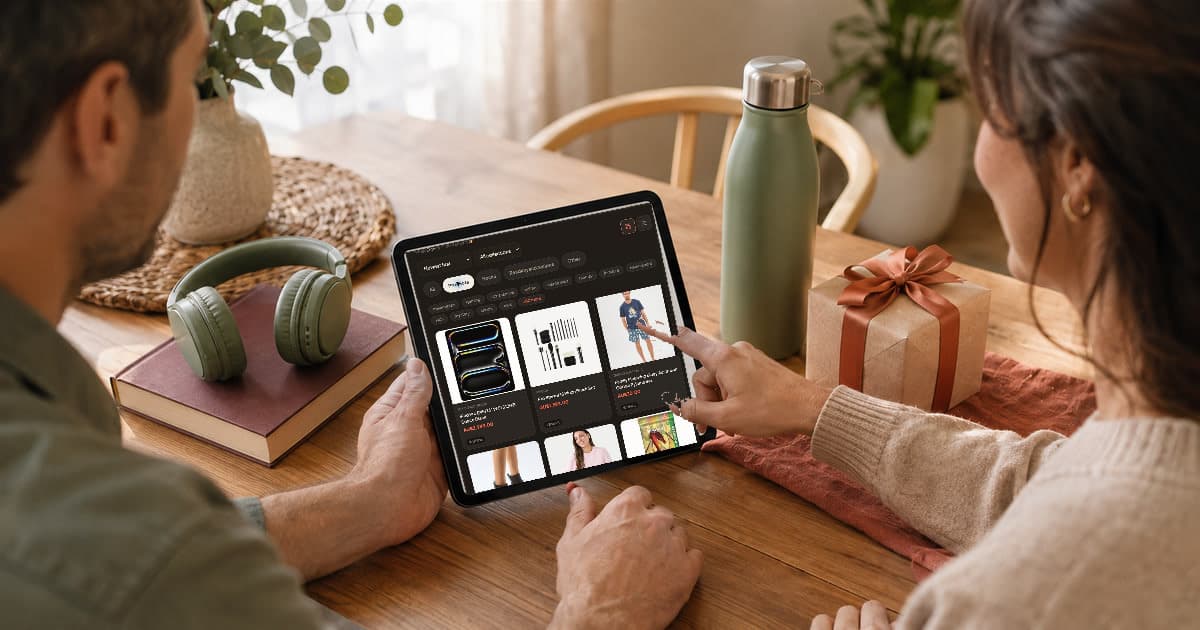
Keep the little hints, find them when you need them, and make gift giving easier. Try it with Kit before you create an account.
Four small steps. No account needed to try.
Ready already? Create your accountChapter 1 of 4
A good coffee. A favourite colour. A link worth keeping. Try saving this example.

Hi, I'm Kit. Let's try one together.
An interactive example. Actual saves and gift claims use your account and sharing settings.
The ideas you keep
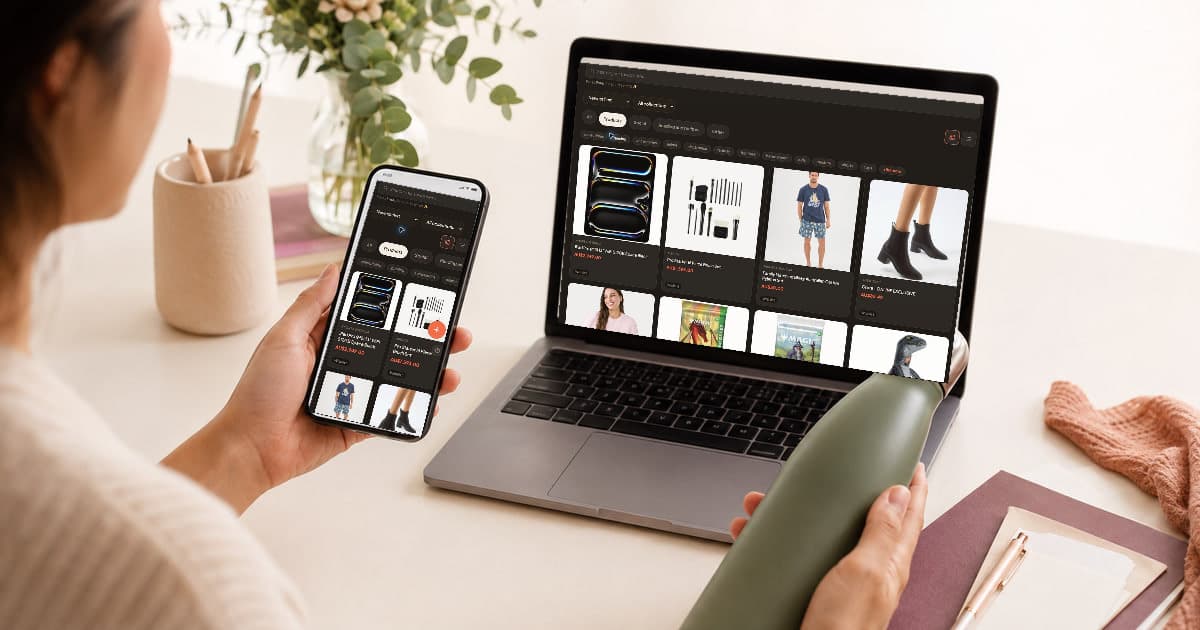
Save the mug they pointed out or the toy they keep talking about. Keep those ideas private until you’re ready to share them.

Paste a public product link. Quokit captures the details the store makes available.
Group ideas by person or occasion, with notes and quantities when they help.
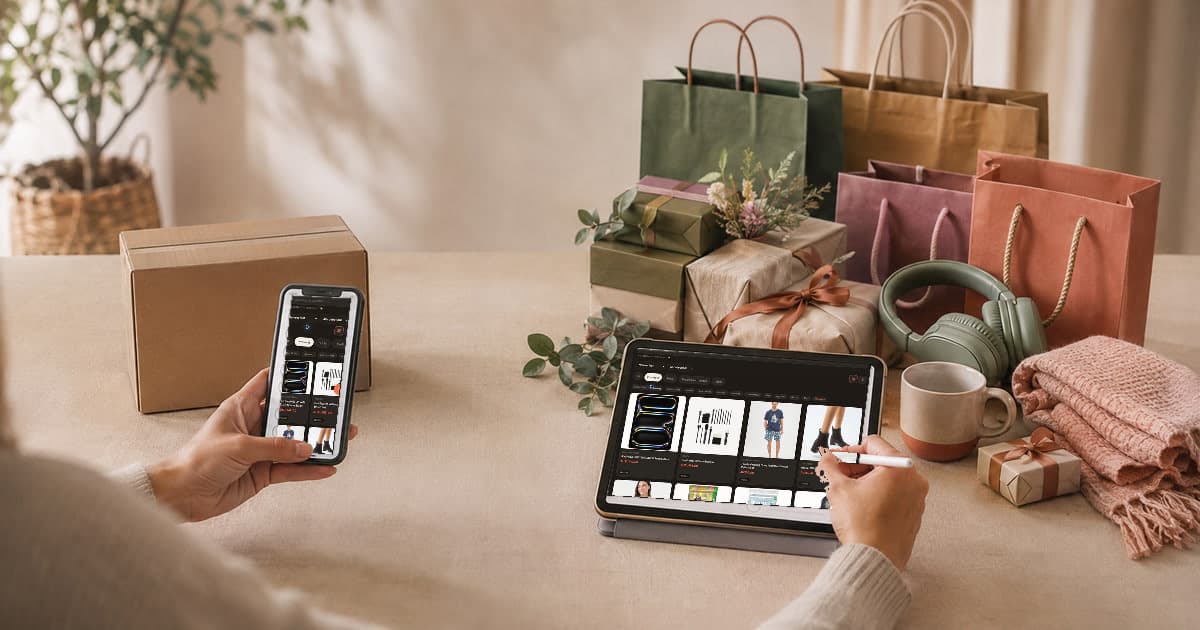
Send a view-only link. Shoppers can verify their email or sign in to mark what they’ll buy.
New · Works in ChatGPT and Claude
Check what's still available on a shared list, choose a gift and claim it without spoiling the surprise.

A little play break
You have two seconds to see the gifts. Then the boxes turn over, and it’s up to you to remember the pairs.
Three rounds. More gifts each time.
Secret Santa and Kris Kringle
Start with one link, add keep apart rules, and let everyone see their person privately on their own phone.
Create one link and send it to the group.
Each person adds their name and the wishlist they want their Secret Santa to use.
The organiser sets keep apart rules and draws. Everyone sees who they are buying for on their own phone.

A list for the occasion

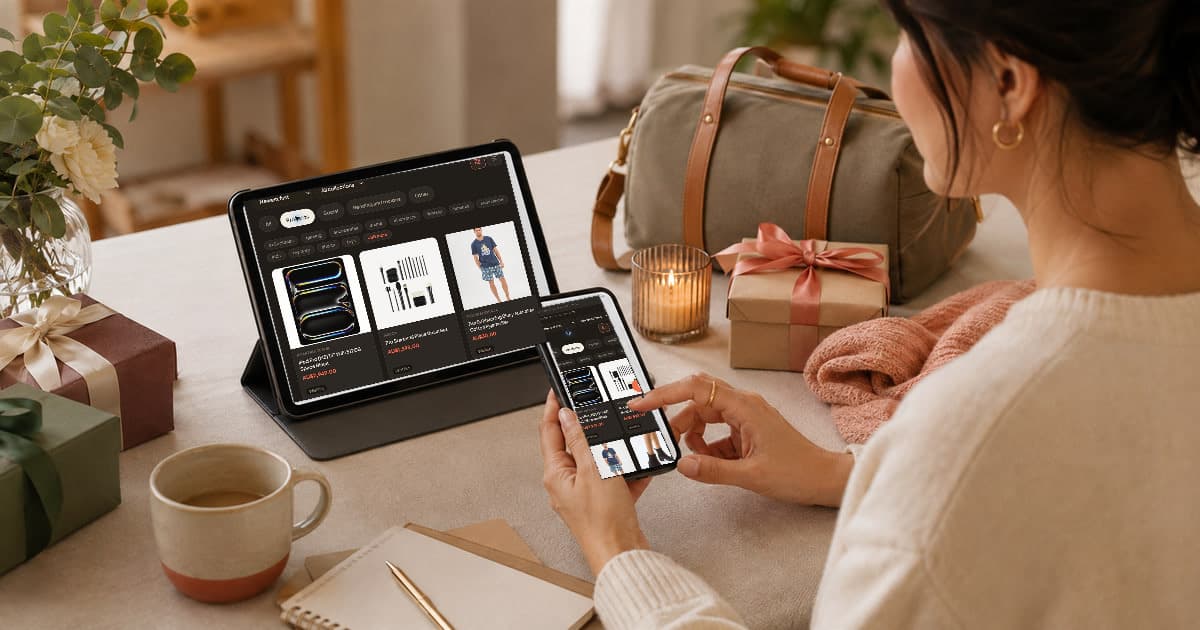
Keep a current shortlist ready before people ask for gift ideas.

Give family one current list instead of several message threads.

Share your registry without repeating yourself to every relative.

Combine useful gift links and group-purchase ideas in one registry.

Celebrate the milestone in a way they'll genuinely appreciate.

Because sometimes the reason to give a great gift needs no occasion at all.
Latest guides
gift guidesGifts for people who have everything (a guide for buying for dad)What to buy the parent, in-law or friend who says they want nothing. Consumables, quiet upgrades and experiences that work in Australia.
helpWhy some product images do not show in your wishlistUnderstand why retailer images or metadata can be missing, what still works, and what to check before sharing the item.
gift guides20 Father's Day Experience Gifts in Australia for Dads Who Don't Want More StuffFather's Day experience gift ideas across Australia, from food and driving to sport, outdoors and simple days together. Includes options you can organise at the last minute.
how toHow to share a wishlist with family without causing confusionShare a private wishlist link, explain account-free viewing, and use verified claims to coordinate shoppers.
occasionsHow to remember birthdays without relying on social mediaBuild a birthday tracking routine with accurate dates, one monthly review and reminders that match your Quokit settings and plan.
gift givingWhen an Amazon wishlist is enough, and when it limits your choicesCompare an Amazon-centred wishlist with a multi-store wishlist without unsupported claims about data or retailer behaviour.
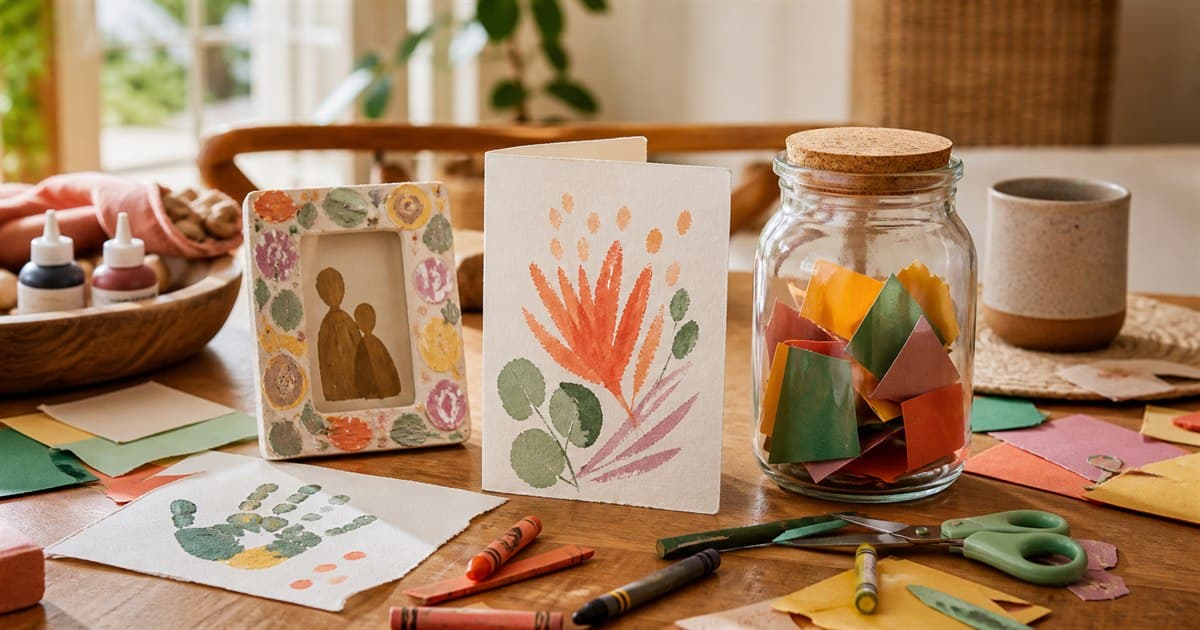
gift guides15 DIY Father's Day Gifts Kids Can Make in Australia (Easy + Last Minute)Easy homemade Father's Day gifts kids can make with simple supplies. Includes cards, photo gifts, memory jars, vouchers and practical DIY ideas for Australian families.
gift guides25 Last-Minute Father's Day Gifts in Australia That Don't Feel Last MinuteLeft Father's Day late? These useful Australian gift ideas cover Click & Collect, instant vouchers, gifts under $50, experiences and things you can organise today.
how toBest wishlist apps in 2026, compared for families, registries and simple listsThe best wishlist apps in 2026 compared: Quokit, Giftster, MyRegistry, Things To Get Me and Amazon Lists. Which one fits your family or event?
how toHow to make a wishlist people actually buy fromMake a useful wishlist with clear product links, sensible price choices and enough detail to prevent the wrong gift.FAQ
Quokit is built for product links from stores worldwide. Public product pages work best. Some protected or highly dynamic pages may return incomplete details, which you can review after saving.
No app is needed. Send them your private link and they can view the list in a browser without an account. Claiming an item requires email verification or sign-in.
Yes. The Free plan includes 3 lists and 200 saved items, plus limited smart search, AI enrichment, sharing and group gift tools. Premium raises those limits when you need more.
A bookmark is private to your browser. Quokit keeps supported product links in a list you can share and adds verified claim coordination for family shoppers.
Yes. Paste a supported public product URL into Quokit. The Chrome extension is optional and opens a prefilled save popup from the current page.
Your turn
Start a list for someone you love, or keep one for yourself.
Add Quokit to ChromeFree plan available. No credit card required.
© 2026 Quokit. All rights reserved.