Why some product images do not show in your wishlist
Understand why retailer images or metadata can be missing, what still works, and what to check before sharing the item.
helpmissing product imagesproduct metadata
Bob, Quokit · 24 June 2026
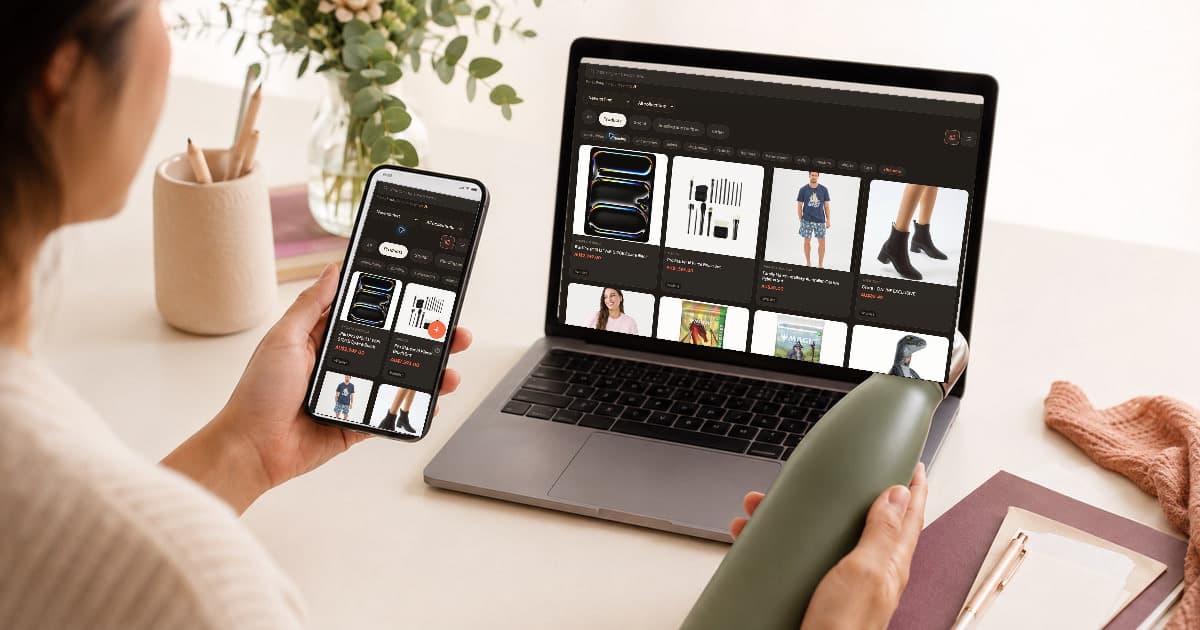
You paste a product link, the title appears, but the image is blank. The first reaction is usually that the save failed.
Often it did not. The product link can be valid even when the retailer does not expose an image Quokit can reuse.
Retailers can deliver images only after JavaScript runs, require a session cookie or block requests that do not come from their own page. Some image URLs also expire or reject use from another site.
What you see in your browser is the result of your active session. Quokit fetches a public page without copying your retailer login. That separation protects account boundaries, but it means some visible details are not available.
Practical takeaway: A browser-visible image is not always a publicly reusable image.
No. Open the item and check the source link. If it reaches the correct public product page, the item can still guide a buyer.
Also check the title, retailer and price. One or more may be missing for the same reason as the image. The retailer page remains the place to confirm current price, stock and variants.
My opinion is that a correct source link and exact model note are more important than a thumbnail.
Practical takeaway: Judge the save by the link and decision-making details, not the image alone.
A dynamic page may load its product data after the initial response. A protected page may require sign-in, location selection or bot checks. Quokit cannot guarantee extraction from those flows.
The common assumption is that naming a list of supported retailers solves this. Retailers change page templates and protections frequently, and even two pages on the same store can behave differently. That is why I do not publish a “tested and always working” store list.
Use the exact public product page, not a search result, category page, PDF or account-only link.
Practical takeaway: Test the individual page rather than relying on a retailer name.
Open the source link in a private browser window. If the product still appears, add a short note with the model, size or colour. Replace a redirecting or expired link with the current product URL.
If the page works only while signed into the retailer, find a public product page or another retailer listing for the same model. Do not share your account-only URL and expect another person to see it.
Practical takeaway: Make the link usable for someone who does not share your retailer session.
Check the item link in a private window and add the key product detail to its note. If saving remains unclear, read how product saving works or use Quokit help.
Practical takeaway: Fix the public link first and the missing thumbnail second.
No. Quokit should not copy your private retailer session to fetch protected content.
It may if a later extraction succeeds, but do not rely on that before sharing. Check the source link and notes now.
No retailer should be described as always working. Public page structure and protections can change, and results can vary by product page.
© 2026 Quokit. All rights reserved.