How to share a wishlist with family without causing confusion
Share a private wishlist link, explain account-free viewing, and use verified claims to coordinate shoppers.
how toshare wishlist with familyprivate wishlist
Bob, Quokit · 23 June 2026
Sharing five product links in a family chat feels quick. Two weeks later, nobody knows which message is current, and two people may buy the same gift.
One maintained list is easier. The sharing rules need to be clear before you send it.
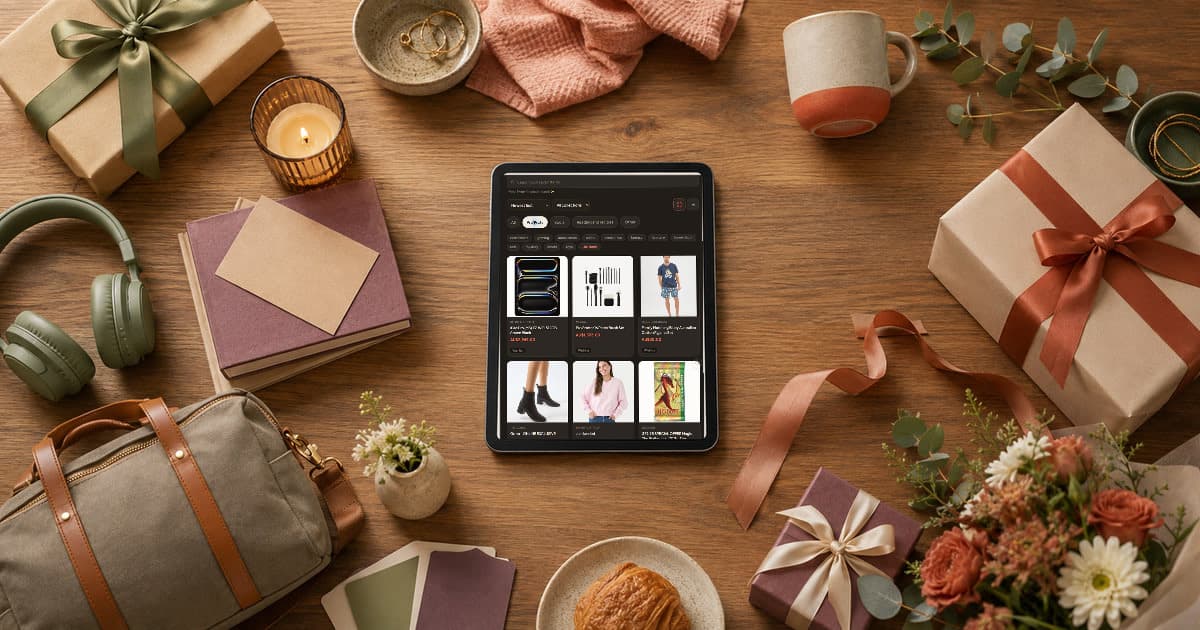
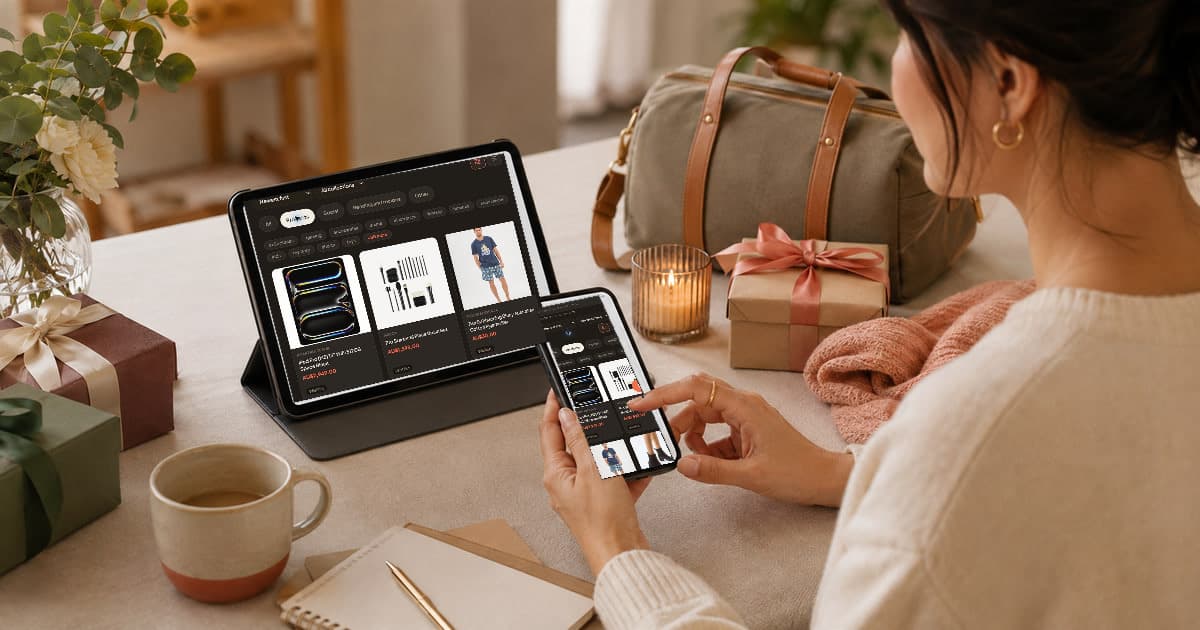
They should see the product name, useful image when available, retailer link, current notes and whether an item is already being handled. They do not need your editing controls or unrelated lists.
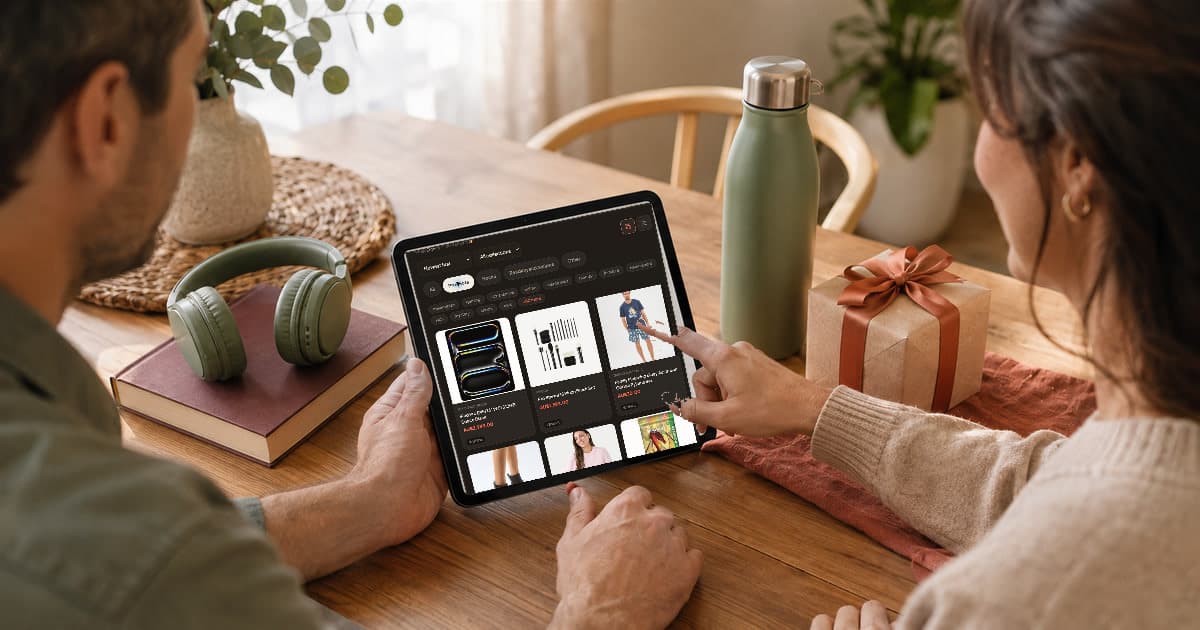
Before sharing, open the link in a private browser window. This shows the recipient view without relying on your signed-in session. Check the most expensive item and one product with a size or colour choice.
My opinion is that this five-minute check is more useful than writing a long message explaining the list.
Practical takeaway: Test the recipient view before the group chat sees it.
No. A person with the active private link can view the shared Quokit list in a browser without an account or app.
Claiming is different. A person who wants to mark an item as handled must verify their email or use an authenticated session. That identity check gives the claim a stable owner and reduces accidental or anonymous changes.
The common assumption is that “no account to view” means every action is anonymous. It does not. Reading and changing shared state have different risk.
Practical takeaway: Tell family they can browse immediately, but claiming asks for verification.
A verified shopper claims the item they plan to buy. Other shoppers can see that it is already being handled and choose something else.
Claims coordinate intent, not payment or retailer stock. The shopper still buys from the retailer and should confirm availability before relying on the claim.
If plans change, the claimant should release the item promptly. A stale claim can be as confusing as no claim at all.
Practical takeaway: Claim only when you intend to buy, and release it when that changes.
Premium list owners can enable anonymous claims. This changes what the recipient sees while allowing shoppers to coordinate.
A private link is not a password. Anyone who receives or is forwarded it may be able to view the list. Share it with the intended group, avoid posting it publicly and revoke it if it reaches the wrong person.
Practical takeaway: Use anonymous claims for surprise coordination and treat the share link as sensitive.
Review the list, create one active share link and send it with a one-line instruction: “Viewing needs no account; verify your email if you want to claim an item.” For setup details, read sharing your wishlist help or join the Quokit beta.
Practical takeaway: One clear link and one clear instruction are enough.
Read more about how wishlist sharing works in Quokit, including private links and verified claims.
Yes. Send the active link to the people buying from the list. A recipient can forward it, so keep the group intentional.
Yes. The same active link shows the current version of the list.
No. Quokit records the claim. The shopper completes the purchase with the retailer.
© 2026 Quokit. All rights reserved.