How to make one wishlist from every store without losing links
Compare bookmarks, notes, spreadsheets and Quokit for building one wishlist from products across different stores.
how tohow to make a wishlist from multiple sites
Bob, Quokit · 7 July 2026
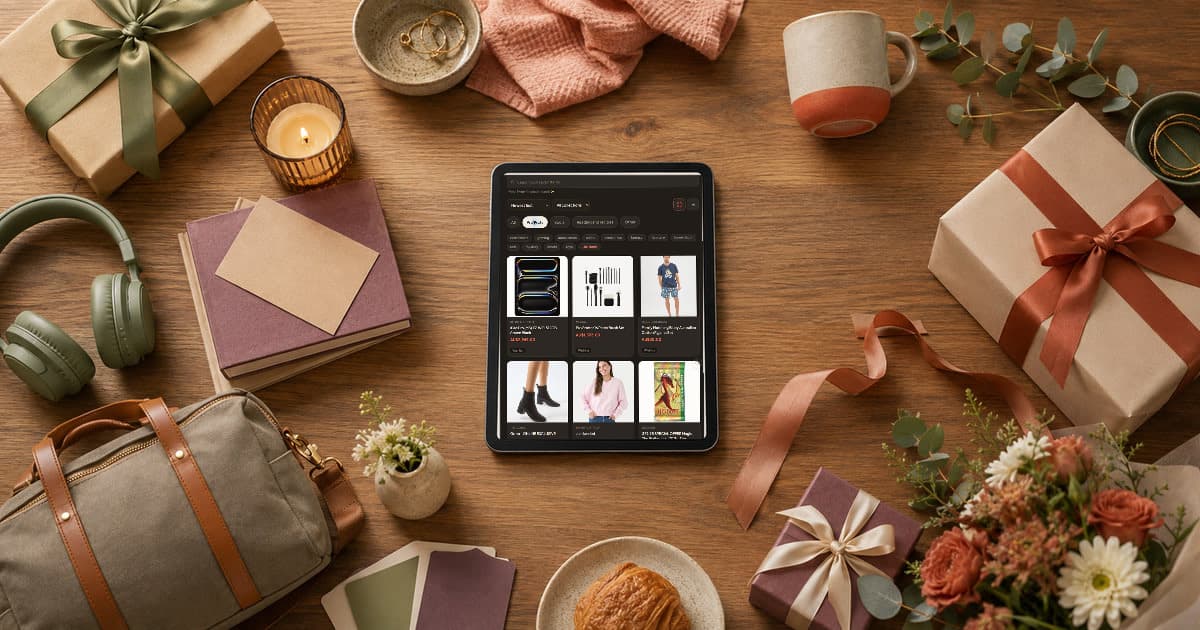
Most wishlists start in the wrong place. You find one product on Amazon, another from a local store, something handmade on Etsy and a sale item from a brand site. Then the links end up scattered across browser tabs, notes and messages.
One wishlist from every store is possible. The trick is choosing the right method before the list gets messy.
Yes. The simplest manual options are a browser bookmarks folder, a notes app or a spreadsheet. Each one works for collecting links, but each one has a different failure point.
A bookmarks folder is fast. Save every product page into one folder and rename the bookmark if the product title is unclear. The weakness is sharing. A bookmark folder is useful for you, not for people buying gifts.
A notes app is more flexible. Paste the link, add size, colour and price, then group ideas by person or occasion. The weakness is maintenance. Product links go stale, and notes do not always show images or prices.
A spreadsheet is the strongest manual option. Use columns for item, store, link, price, size, priority and claimed status. The weakness is effort. Most families do not want to shop from a spreadsheet.
Practical takeaway: Manual methods are fine for planning, but they become clunky when other people need to buy from the list.
A universal wishlist works better when the list needs product details, private sharing and duplicate-gift control. That usually happens when the list is for birthdays, Christmas, weddings, baby showers or family gift planning.
The common assumption is that a shared note is enough. Sometimes it is. But once two people can buy the same item, or the list has price ranges and variants, you need more structure.
In Quokit, you can save supported public product pages from different stores into one list. You can also paste a product URL, and Quokit pulls details where the page exposes them.
This matters for the reader because the wishlist becomes easier to use. A buyer sees the product, opens the source link and claims the item after email verification or sign-in.
Practical takeaway: Use a universal wishlist when other people need a clean buying and claiming flow.
Use the browser extension when you are already on a supported public product page. Save the item, then check the title, image and price against the retailer page.
Use paste-a-link when you already have the URL. Quokit will pull product details where the page exposes them. If a store blocks images or hides product data, keep the source link and add the missing detail in the note.
I prefer this honest flow over pretending every site behaves the same. Stores do not expose product data in one neat standard. A good wishlist tool should help where it can and make manual notes easy where it cannot.
For the product-saving details, read how to save products from any website.
Practical takeaway: Save the product, then check the result. Do not assume every store gives complete data.
Include the exact product link, size, colour, model, price range and priority. If a substitute is acceptable, say so.
For example:
Running socks, size 10, dark colours preferred.
Any similar pack under $30 is fine.
That note helps more than a vague product title. It also helps when the retailer changes the page or the product goes out of stock.
Once the list is ready, share a private Quokit view. Viewers can open it without an account. Claiming needs email verification or sign-in so the list can show what is already being handled.
You can start with the wishlist maker or read what a universal wishlist is if you want the model first.
Practical takeaway: The note is where you put the detail a retailer page might not preserve.
Pick one upcoming occasion and collect five links from five different stores. Put them in a note, spreadsheet or Quokit list. If sharing the manual version feels messy, that is the signal to move it into a universal wishlist.
If Quokit fits the job, join the beta.
Practical takeaway: Test with five real links before you build a bigger list.
For private planning, use a notes app or spreadsheet. For sharing with buyers, use a universal wishlist that keeps product links and claiming in one place.
No. Quokit saves supported public product pages and pulls details where the page exposes them. Some sites block images or hide product data.
No. Viewers can open a shared private list without an account. Claiming a gift needs email verification or sign-in.
© 2026 Quokit. All rights reserved.